
Getting Started
Starting a Drive
- Click Start a Drive on the homepage.
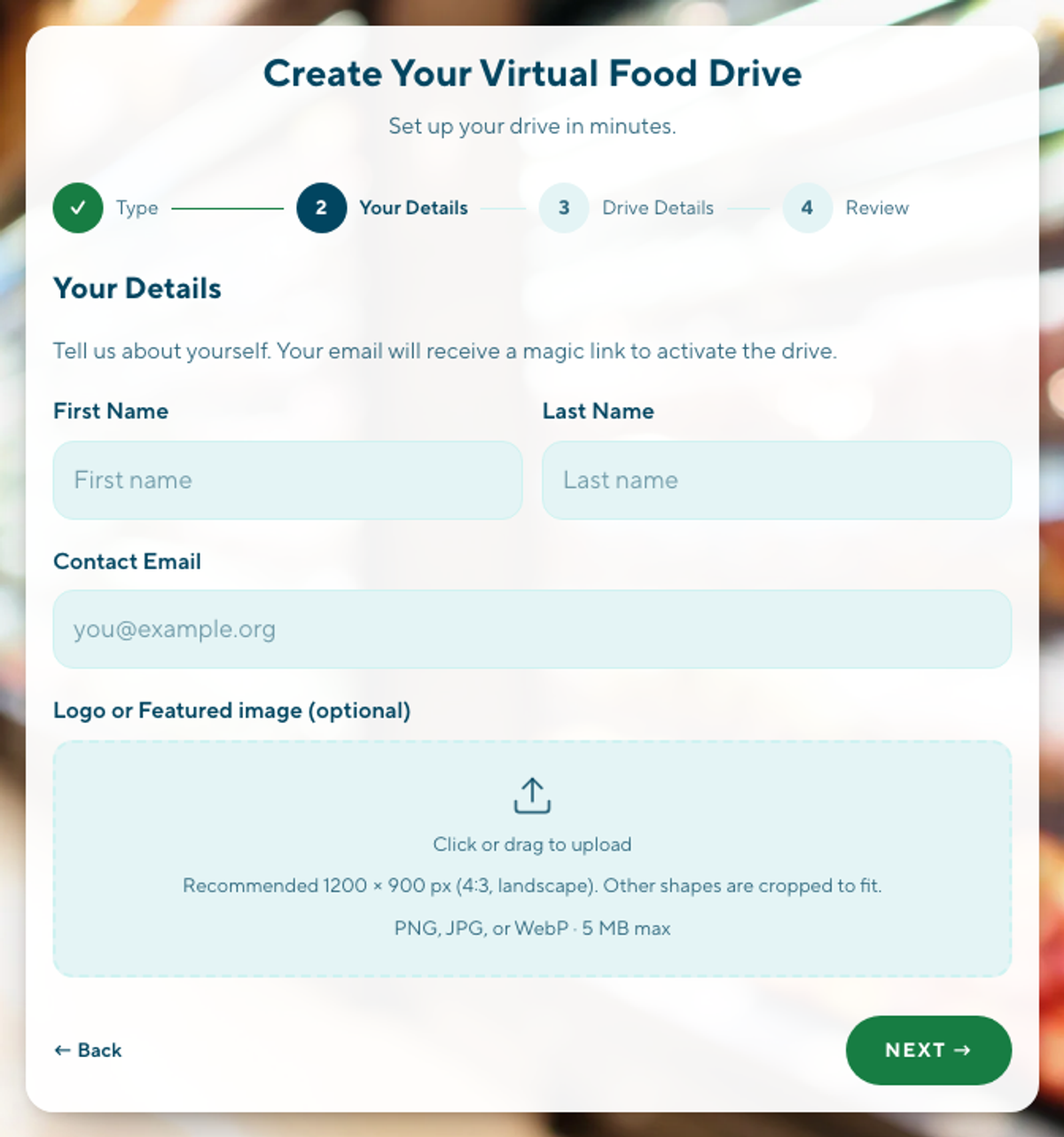
- Tell us whether you’re signing up as an individual or a corporation/group, then add your name, organization, and contact email. Give your drive a name and a goal amount, and set your start and end dates. Use our suggested description or write your own, and set up donation matching if your organization wants to offer one.
- Review your details and click Confirm Details. Check your email for a link to activate your drive, then click it to log in and see your dashboard.
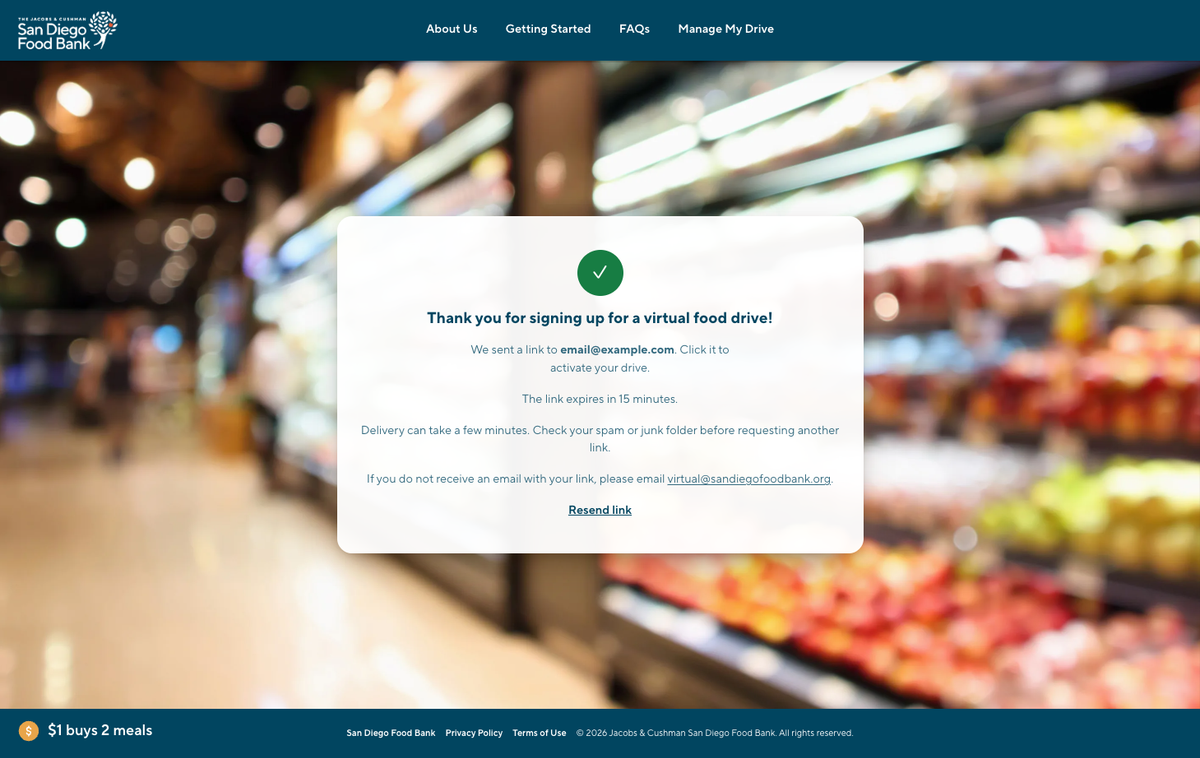
Once you complete the sign-up process, the platform will email you a magic link. Click the link to log in and see your drive.
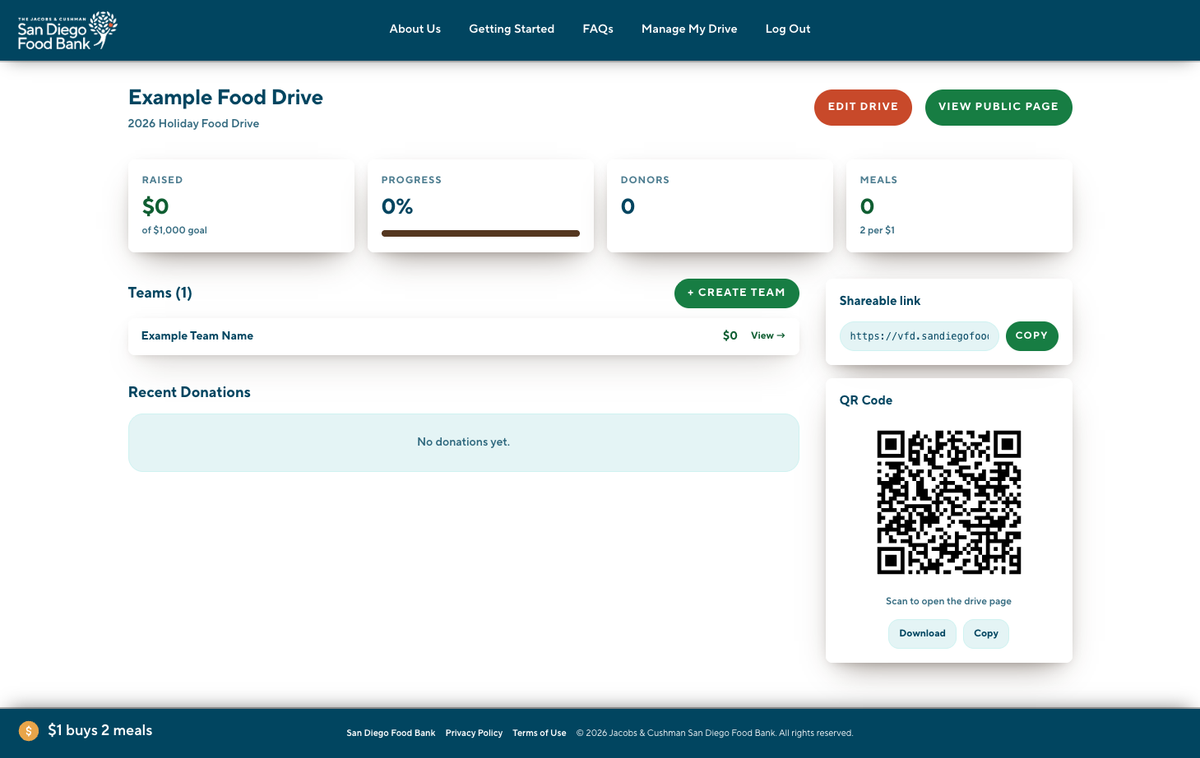
Here you will see your drive and its progress. Click Manage My Drive to find a custom shareable link and a QR code you can use to share the virtual food drive with your friends, family and coworkers. If you need to edit any of the information about your drive, you can edit it from this area as well.
Creating a Team
Log in first — go to Manage My Drive to request a sign-in link.
- Log in Create Team, name your team, and add an optional description.
- Share your team’s link and/or QR code so your group can start fundraising together.

Donating
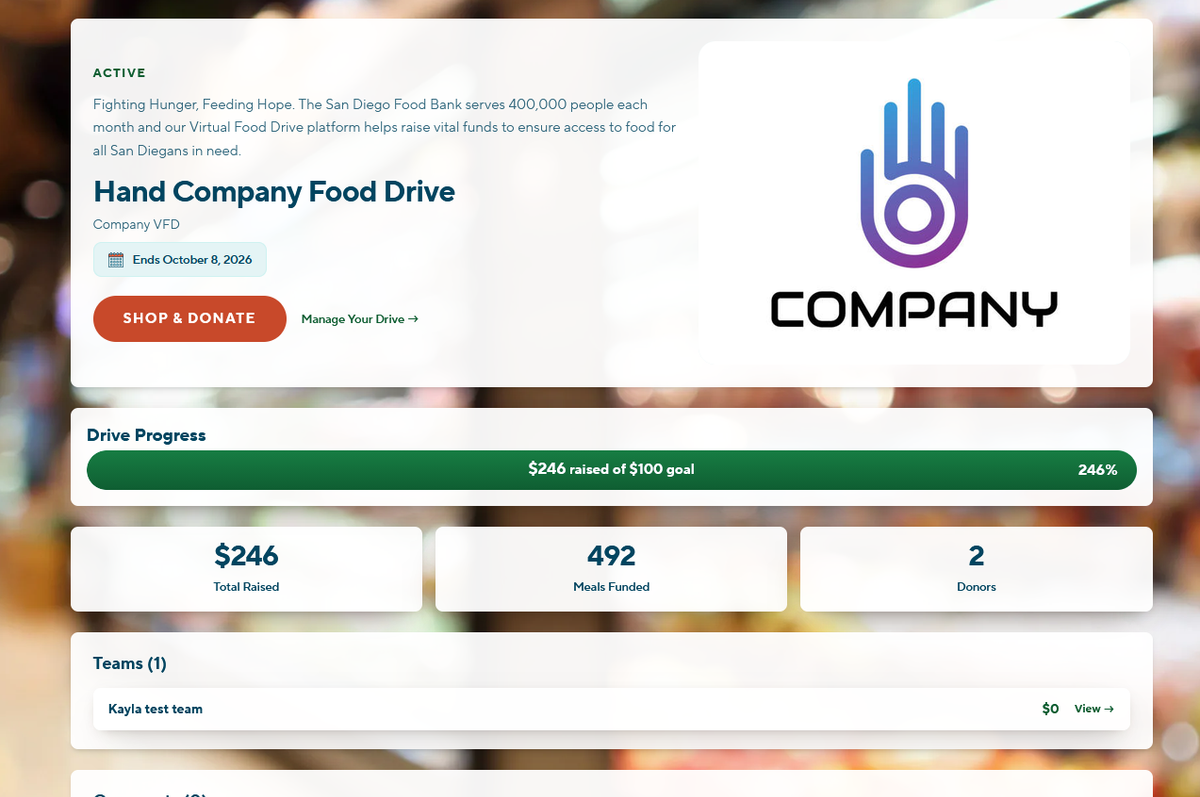
- From your drive’s dashboard while logged in (go to Manage My Drive to request a sign-in link) click + Click Donate on the homepage to support the Food Bank’s general fund, or click Shop & Donate on a specific drive’s page to support that host directly.
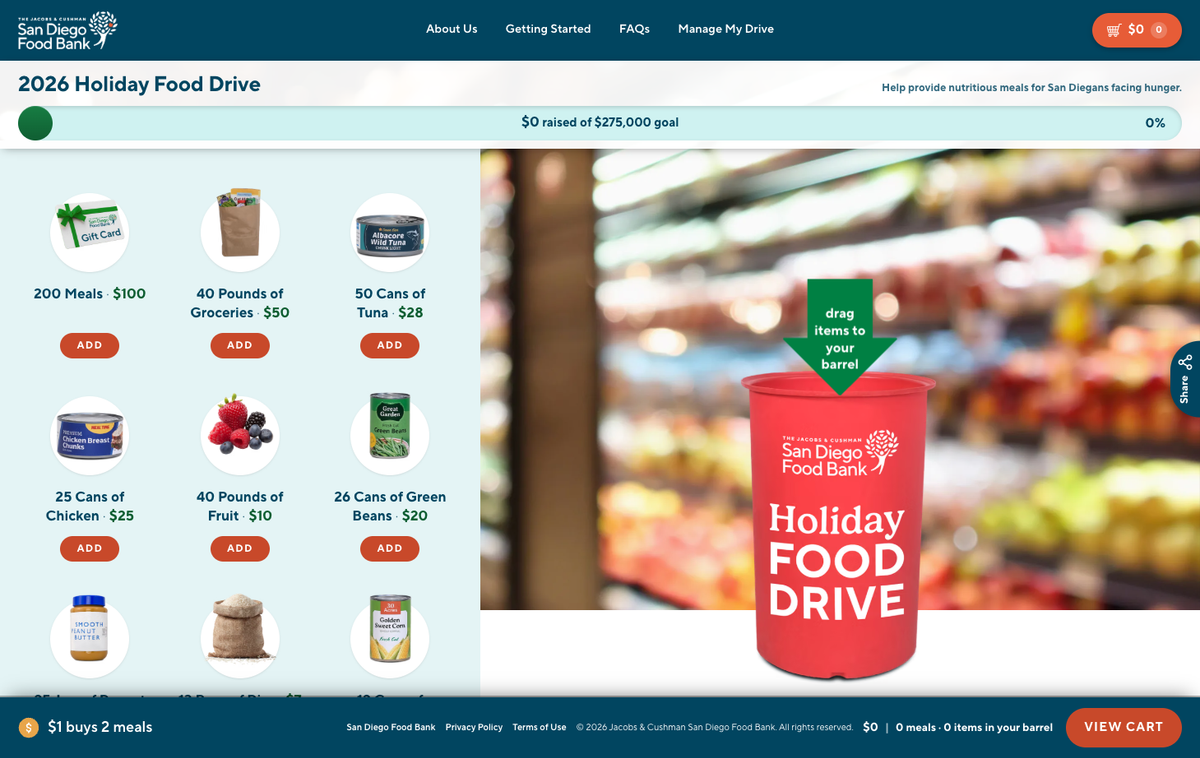
- Drag items into the barrel, or click Add. Each one shows how many meals it helps provide.
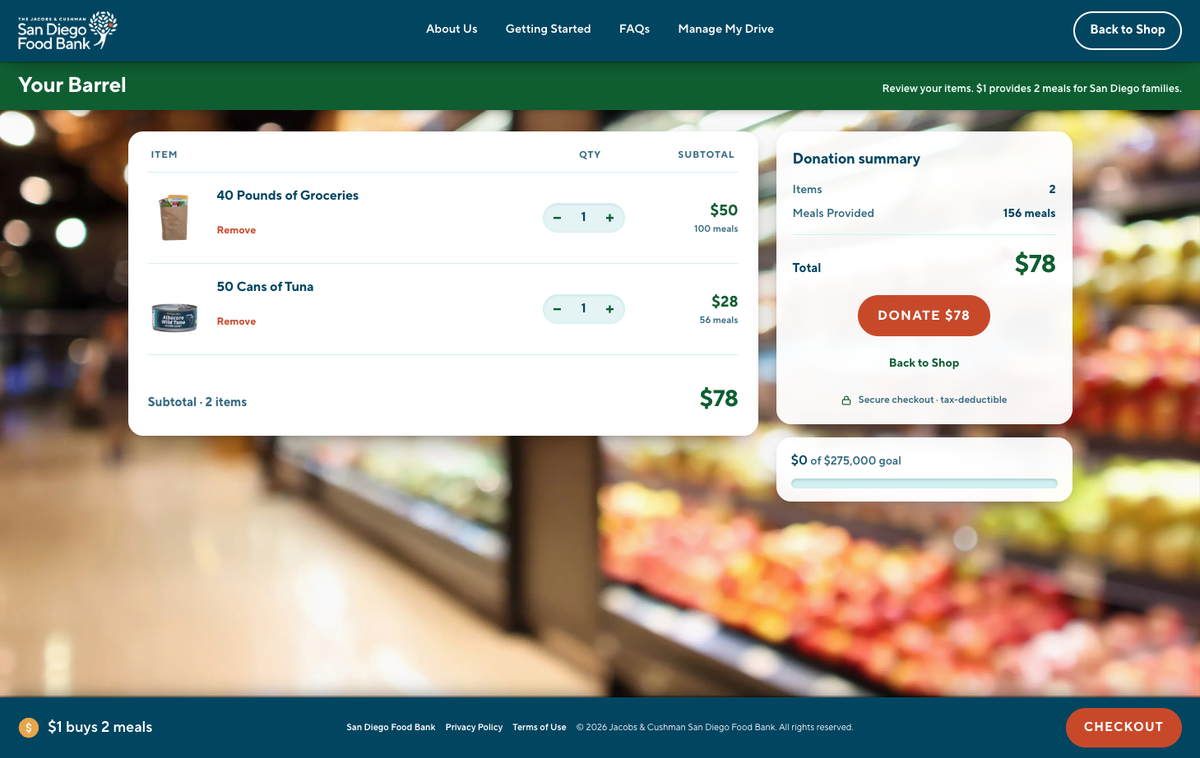
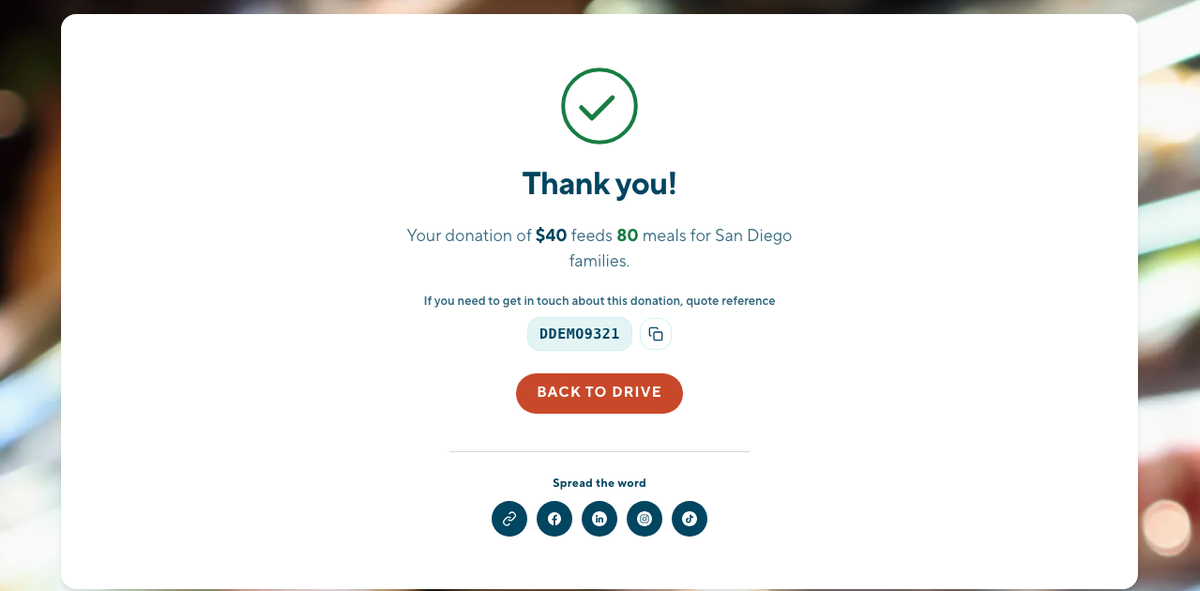
- Click View Cart anytime to see what’s in your barrel. When you’re ready, review your donation and click Checkout, then Donate to complete your gift securely.
We’re Here to Help
Visit our FAQs for more answers, or reach out to our team at virtual@sandiegofoodbank.org